Uninstall Wizard Technology

Starting from version 2.4, Uninstall Tool introduces Uninstall Wizard ™ that allows you to completely remove unwanted software from your system without having to rely on the default uninstaller which can leave files and/or registry items behind.

How does Uninstall Wizard ™ work?

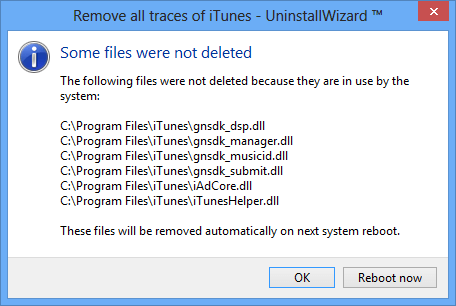
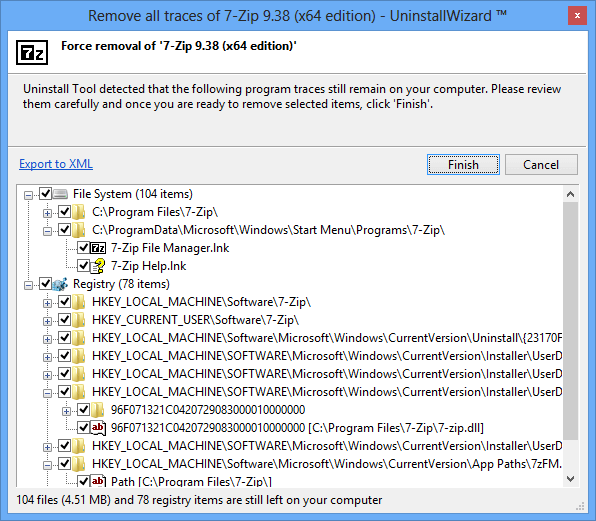
After running the default uninstall program Uninstall Tool performs a deep scan of system registry and file system for unused registry entries and files. Currently Uninstall Tool is able to remove the following leftover traces:

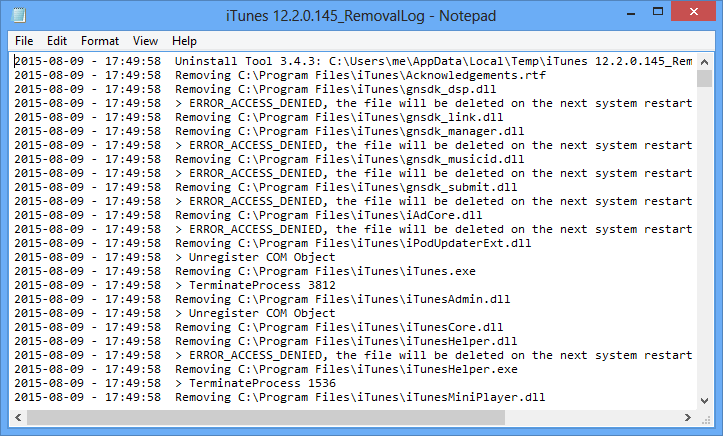
  • files in Program Files, Application Data and other folders
  • shortcuts on Desktop, in Start Menu, Quick Launch and SendTo menus
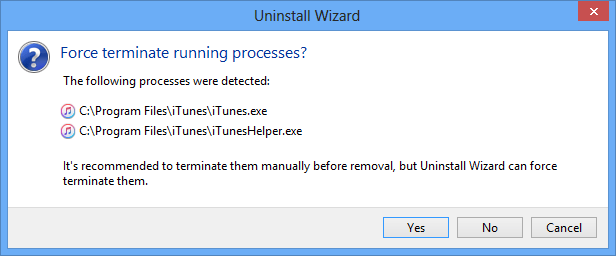
  • correctly remove program COM objects
  • registry keys/values left by a program
  • registry keys/values left by Windows Installer (MSI) based installations


    Uninstall Wizard ™ works fast and secure - you can always check what is going to be removed.

    More: Clean Uninstall, Complete Uninstall, Complete Uninstaller